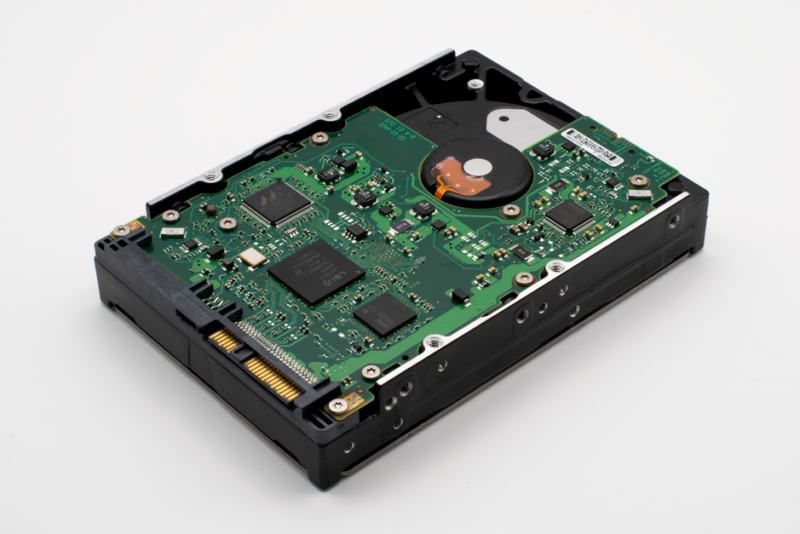
Proxmox disk comment? Yeah, that’s not a thing. There’s no field in the web UI to add a comment to a physical disk, and the config files don’t have a spot for it either. But you can still label your disks so you know what’s what.
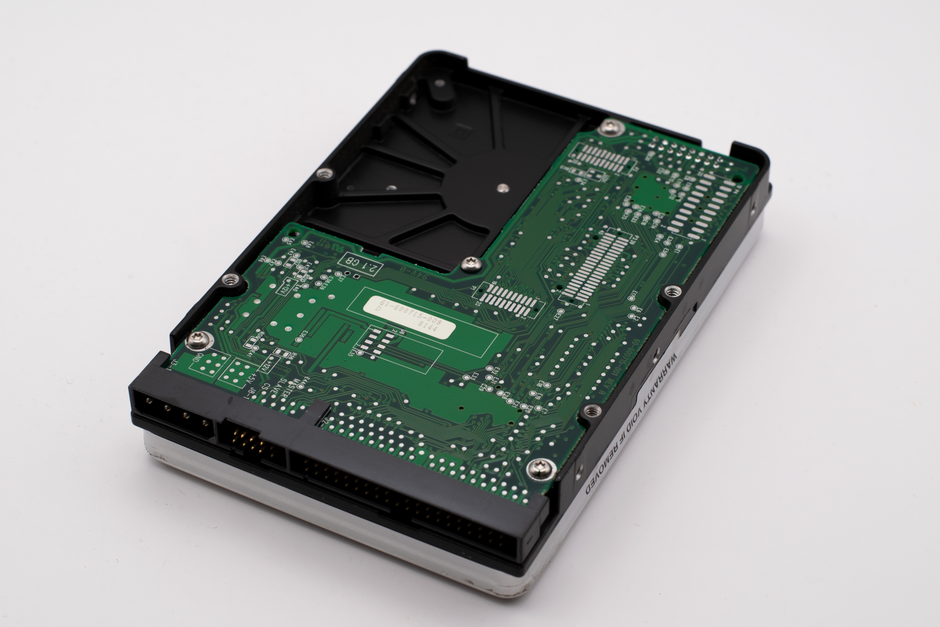
Why there’s no comment field
Proxmox stores disk info in /etc/pve/storage.cfg for storage definitions and in VM configs for virtual disks. Physical disks attached to the host just show up as /dev/sdX or by-id paths. No comment metadata anywhere. The forum thread asking about this got zero answers because it’s simply not implemented.
The workaround: use disk labels
If you want to know which physical disk is which, use filesystem labels or partition names. For ZFS, you can set a comment on the pool itself:
zpool set comment="This is my backup pool" tankThen check it with zpool get comment tank. For ext4 or XFS, use e2label or xfs_admin -L to set a label. That label shows up in lsblk and in the Proxmox GUI when you’re adding a disk to a VM.
Or just keep a spreadsheet
Honestly, for a homelab, a simple text file or spreadsheet mapping serial numbers to roles works fine. I’d rather do that than mess with labels that might get wiped if you reformat. Check out my post on ZFS pool import issues for why disk identification matters.
Bottom line: no Proxmox disk comment feature exists. Use labels or a naming convention and move on.