Proxmox unresponsive after 1 or 2 days is almost never one thing. It’s a symptom with a few usual suspects, and the only way to know which one is yours is to look at the logs before you start changing settings. Start with the kernel ring buffer, then check for hung tasks, then look at memory pressure. In that order.
Check dmesg for the smoking gun
When the box locks up, the kernel usually leaves a trace. Reboot, then run dmesg -T | tail -200 and look for anything red or repeated. You want to see what happened right before the freeze. If you see BUG: soft lockup - CPU#X stuck or watchdog: BUG: soft lockup, that’s a hung task. If you see Out of memory: Killed process, that’s the OOM killer. If you see mce: [Hardware Error], that’s a RAM or CPU fault. Each one points a different direction, so don’t skip this step.
Look for hung task traces
If dmesg shows a soft lockup, the next step is to get the hung task trace. That tells you which process was stuck and what it was doing. Sometimes it’s a VM with a bad virtio driver, sometimes it’s a ZFS operation that stalled. You can also trigger a manual trace with echo t > /proc/sysrq-trigger (if you have sysrq enabled) and then check dmesg. The trace will show the call stack of the stuck process. That’s usually enough to tell if it’s a storage issue, a network issue, or a kernel bug.
Check ZFS ARC and swap pressure
ZFS loves RAM, and if you let it eat too much, the box starts swapping. Proxmox defaults to using up to half your RAM for ARC, and that can push the rest of the system into swap. When swap fills up, everything slows to a crawl and the host can become unresponsive. Check arc_summary and free -h. If ARC is huge and swap is in use, lower the ARC max. I wrote about lowering ZFS ARC max size before — it’s a one-line modprobe.d edit that sticks.

C-states and IOMMU
If the box freezes completely and only a hard reset brings it back, it could be a C-state issue. Some Ryzen and older Intel boards have problems with deep C-states when IOMMU is on. The fix is to disable C-states in the BIOS or add processor.max_cstate=1 to the kernel command line. But do this only after you’ve ruled out memory and storage, because it’s a band-aid. If the dmesg shows nothing at all before the freeze, that’s a sign it might be hardware-level, and C-states are a common culprit.
RAM and ECC errors
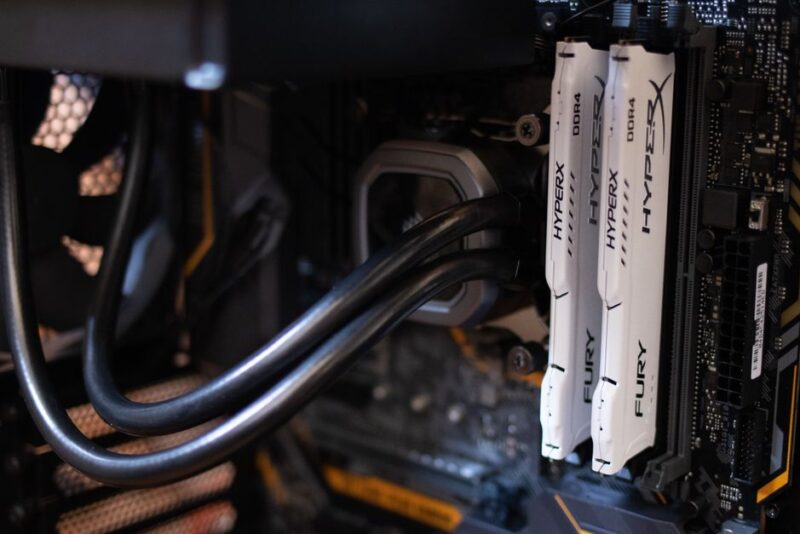
If you see mce errors in dmesg, run edac-util or check ras-mc-ctl if you have ECC RAM. If you don’t have ECC, run memtest86+ overnight. Bad RAM can cause exactly this kind of intermittent freeze, and it’s easy to waste days chasing software when the stick is bad. One bad stick can pass a quick test and fail after a day of load, so let it run a full pass or two.
What I’d do first
If I had a box that went unresponsive every day or two, I’d do this: set up a serial console or netconsole so I can capture the kernel log even when the screen is dead. Then wait for the next freeze. When it happens, check the log. That one log line will tell you more than a hundred forum posts. Then apply the fix that matches the log, not the other way around.