
Proxmox host becomes partially unresponsive after random periods of uptime? It’s infuriating because nothing in the logs points to an obvious cause. Here’s a checklist that rules out the usual suspects one by one.

Start with memory pressure
Check free -h and dmesg | grep -i oom. If the OOM killer is firing, you’ll see it. Also look at journalctl -k | grep -i oom. If you use memory ballooning, know that it doesn’t always reduce host RAM usage the way you’d expect — this post explains why.
Check disk I/O and SMART
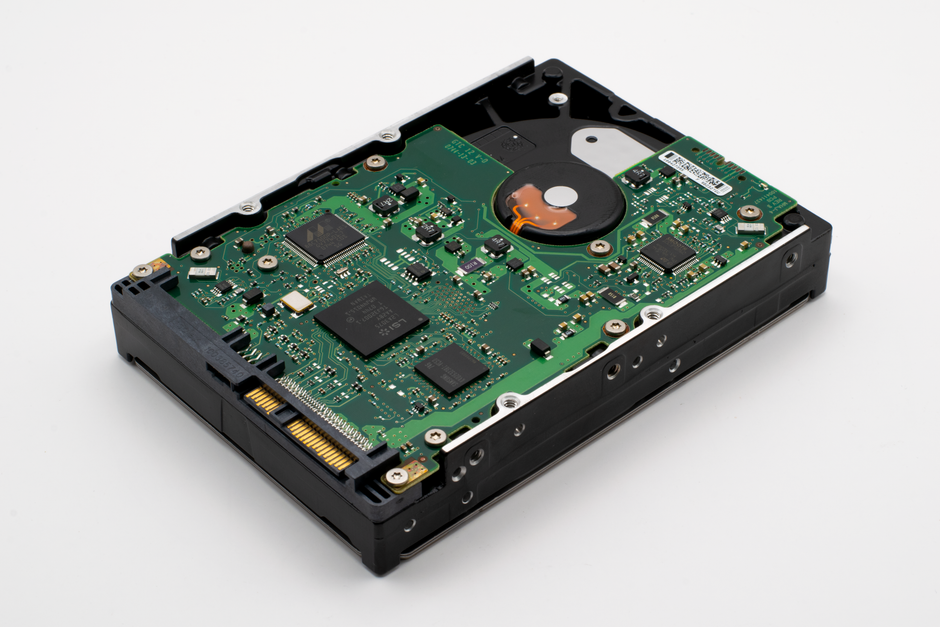
A failing disk can cause intermittent freezes. Run smartctl -a /dev/sda (or your disk) and look for reallocated sectors or pending sectors. Also check iostat -x 1 during a freeze window if you can. High await or %util points to storage.
Network or kernel driver issues
If the host is partially unresponsive, maybe the NIC is flaking out. Look for dmesg | grep -i nic or dmesg | grep -i link. A NIC reset can cause exactly this kind of partial unresponsiveness — here’s a fix for a hardware unit hang.
Kernel logs and watchdog
Check journalctl -p err -b -1 for the previous boot’s errors. If the watchdog is misconfigured, it can reboot or freeze things — this post covers watchdog and fencing.
My take
Most of the time, it’s memory or disk. Start there. Don’t waste hours on exotic kernel parameters until you’ve ruled out the basics.