
Proxmox GPU passthrough black screen on VM start is almost always one of three things: the GPU didn’t actually bind to vfio-pci, the VM can’t read the GPU’s ROM, or the display output is misconfigured. Here’s how to check each one, in order.

Check VFIO binding first
If the GPU is still using its normal driver on the host, the VM gets nothing. Run this on the Proxmox host:
lspci -nnk | grep -A3 VGALook for “Kernel driver in use: vfio-pci”. If it says nvidia, amdgpu, or anything else, your passthrough isn’t set up. You need to add the GPU’s vendor and device IDs to a vfio config file, update initramfs, and reboot. The exact file depends on your setup, but on a standard Proxmox install it’s /etc/modprobe.d/vfio.conf with a line like options vfio-pci ids=10de:1e84.
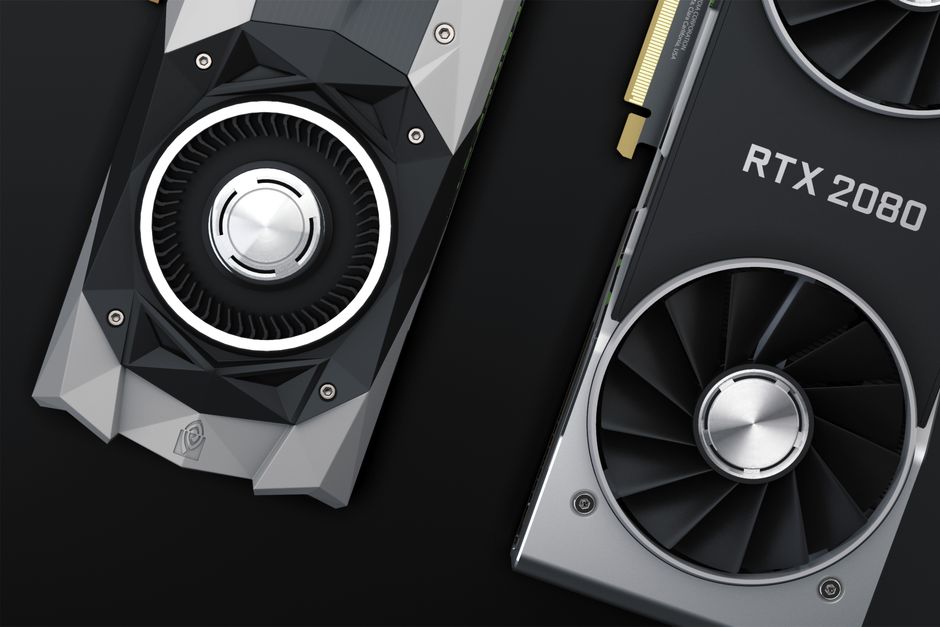
GPU ROM issues
Some cards, especially older ones, have a broken or missing ROM that prevents the VM from initializing them. You’ll see a black screen and the VM might even boot fine otherwise. The fix is to dump the ROM from a working state or download one and pass it to the VM. In the VM’s config file, add:
hostpci0: 01:00,pcie=1,romfile=vbios.binPlace the ROM file in /usr/share/kvm/. If you can’t get a ROM, try booting the VM once without the GPU, install drivers, then shut down and add the GPU. Sometimes that’s enough.
Display output
If VFIO and ROM are fine, the issue is where the VM sends its display. If you’re using a physical monitor, make sure the VM’s display is set to “none” and you’re using the GPU’s output. If you’re using remote access, you need a virtual display like VirtIO-GPU or QXL, but that can conflict with passthrough. For a headless setup, set display to “none” and use RDP or VNC inside the guest.
Also check the VM’s BIOS: UEFI usually works better for GPU passthrough than SeaBIOS. And if you’re passing through an NVIDIA consumer card, you might hit the driver’s virtualization check. That’s a whole other mess, but the workaround is to hide the hypervisor flag in the VM config.
One more thing: if you’re using Proxmox 8 or newer, the default is to use pcie=1 for better compatibility. Older guides might not mention it.
This is a common pain point. I’ve seen forum threads where people swap cables, reinstall drivers, and sacrifice a goat before checking if vfio-pci actually grabbed the card. Start with the basics.
If you’re also dealing with storage for your VMs, check out Shrink LVM-Thin Proxmox: Safe Methods and Dead Ends for some related headaches.
The hardware this site’s fixes run on, and cheaper ways to start, is on the gear page.