Proxmox random reboots are almost never Proxmox. It’s the hardware underneath. Check the PSU first, then RAM, then kernel/watchdog, then heat — in that order, because that’s the order of likelihood and the order of least effort to rule out.
PSU: the silent killer
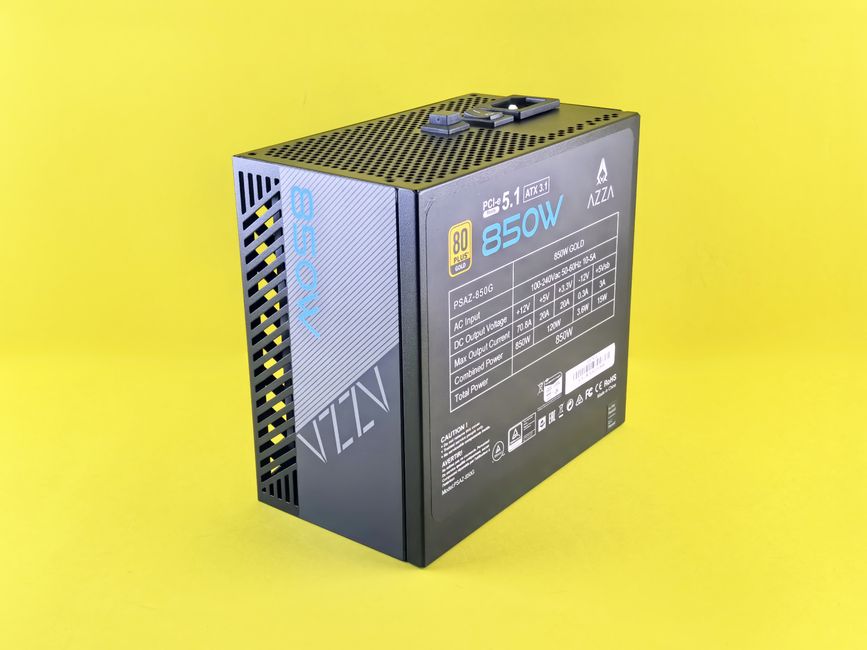
A failing power supply causes reboots under load with zero logs. The system just dies. If your reboots happen during backups, scrubs, or heavy VM activity, suspect the PSU before anything else. Swap in a known-good unit. If the reboots stop, that was it. No software test will catch this.
RAM: run memtest86+ overnight
Bad RAM causes random reboots and kernel panics. Boot memtest86+ from a USB stick and let it run at least 8 hours. Any errors mean a stick is bad. Pull one stick at a time and retest to isolate. Also check dmesg for MCE errors:
dmesg | grep -i mceIf you see Machine Check Exceptions, that’s hardware. Could be RAM, could be CPU, but start with RAM.
Kernel and watchdog: the software suspects
If hardware checks out, look at the kernel. A bad update or a driver bug can cause reboots. Check /var/log/kern.log for the last messages before reboot:
journalctl -b -1 -eThat shows the end of the previous boot’s log. If it ends with a kernel panic or a watchdog timeout, you have a clue. The watchdog can reboot the system if it thinks the system is hung. Misconfigured HA fencing can also cause reboots — see this post on watchdog and fencing.
Heat: check the sensors
Overheating causes reboots under load. Install lm-sensors and check:
sensorsLook for CPU temps above 90°C under load. Clean the fans, reapply thermal paste, improve airflow. Also check dmesg for thermal throttling messages:
dmesg | grep -i thermalIf you see critical temperature reached, that’s your reboot.
What I’d do
Start with the PSU. It’s the most common cause and the easiest to test if you have a spare. Then RAM. Then heat. Only after all three are clean do I blame the kernel or Proxmox itself. And if it turns out to be a kernel bug, check the Proxmox forums for your specific kernel version — sometimes a downgrade is the quick fix.