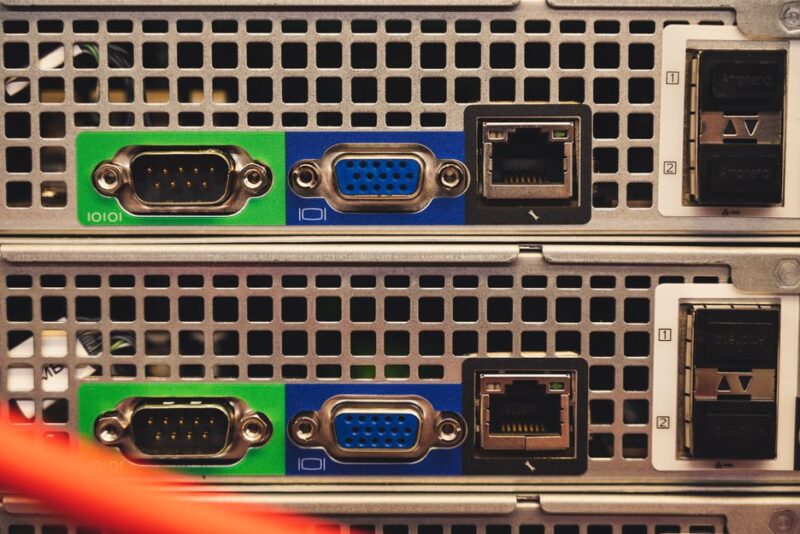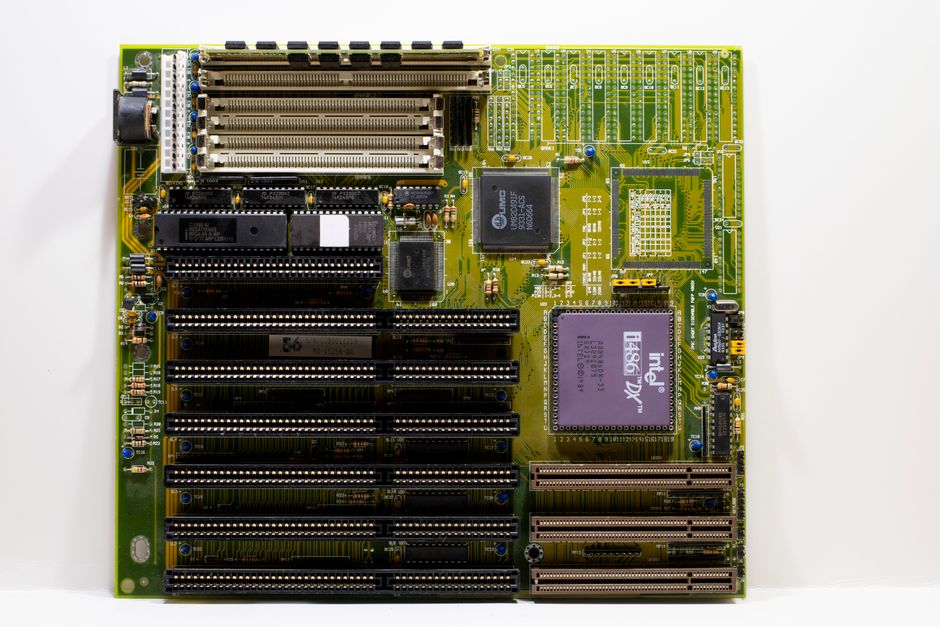
Should I install Proxmox on my 4TB SSD RAID 5 setup? Short answer: no. Use a small SSD for the OS, and keep the RAID 5 array for VM storage. It’s less headache when you upgrade or if a disk fails.
Why RAID 5 is a bad boot device
RAID 5 gives you redundancy, sure. But Proxmox writes logs constantly. That’s a lot of small writes, and RAID 5 has a write penalty from parity calculation. Your SSDs will wear faster. Plus, booting from RAID 5 often means dealing with the hardware RAID controller or mdadm. If the controller dies, you might lose the array. A simple SATA SSD or NVMe for the OS is way easier to troubleshoot.
What Proxmox actually needs for the OS
Proxmox VE is Debian under the hood. The OS itself uses maybe 10-20GB. You don’t need 4TB for that. Get a 120GB or 256GB SSD. Install Proxmox on it with ext4 or XFS. No RAID. If that disk dies, you reinstall and restore VMs from backup. That’s a 30-minute job, not a weekend project.
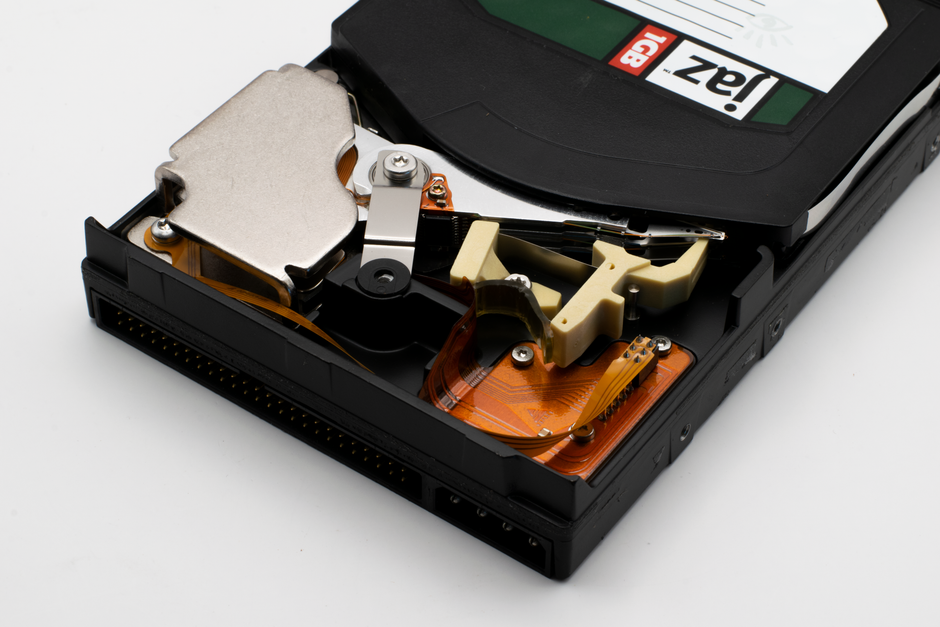
Use the RAID 5 for VM storage
After install, add your RAID 5 array as storage. In the Proxmox web UI, go to Datacenter > Storage > Add > Directory or LVM. Point it to the mount point of your RAID array. Then put your VM disks there. That’s where the space belongs. If you want snapshots, use a filesystem that supports them, like ZFS or LVM-thin. Check this post on snapshot issues if you run into trouble.
Backup and recovery is easier
With the OS on a separate disk, you can back up the whole boot drive with dd or clonezilla. Restoring is simple. If your RAID array has a problem, your Proxmox host still boots. You can fix the array from a working system. That’s huge when something goes wrong at 2am.
What I’d do
Get a cheap 256GB SSD for Proxmox. Install it, then add the RAID 5 as storage for VMs. Done. Don’t overthink it. A 4TB RAID 5 is great for capacity, not for booting an OS.