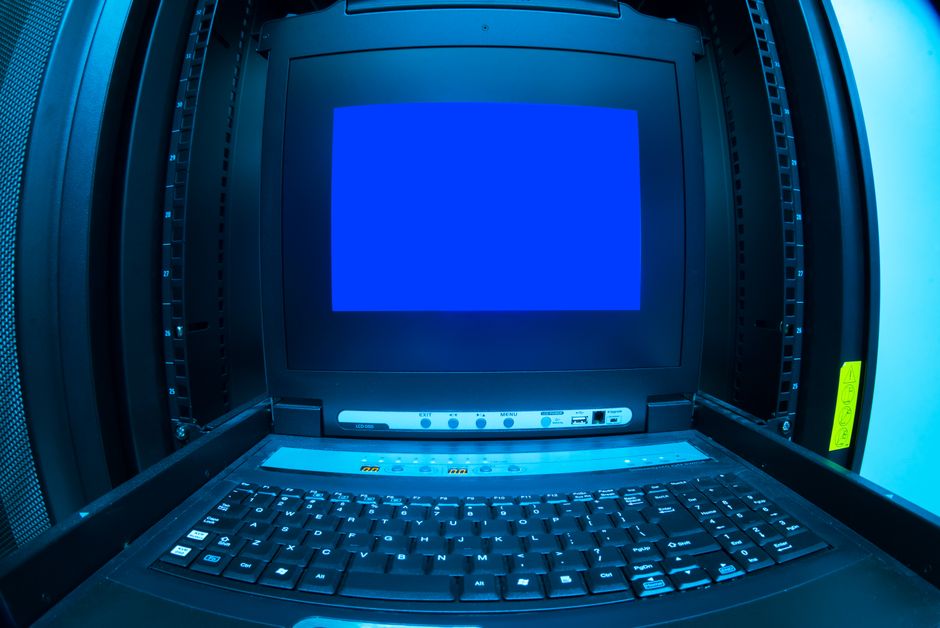
EDID has corrupt header is a kernel warning that shows up on Proxmox when a monitor or KVM switch sends garbage EDID data. It’s almost always harmless, but the log spam is annoying. Here’s the fix.
What EDID actually does
EDID is the data your monitor sends to the GPU describing its resolutions and capabilities. When that data is corrupted — bad cable, KVM switch, or a monitor that just doesn’t implement it properly — the kernel logs the warning and falls back to a basic display mode. Your server still boots fine, and if you’re running headless you’ll never notice except for the log noise.
Why Proxmox sees it more often
Proxmox runs on Debian with a server-oriented kernel. Server boards often have basic VGA output or IPMI virtual displays that don’t provide proper EDID. Add a cheap KVM switch and you’ve got a recipe for constant warnings. The kernel treats it as a non-fatal error, but it can fill up your syslog if the display reconnects repeatedly.
The fix: tell the kernel to shut up
You can suppress the warning by adding a kernel parameter. Edit the GRUB config:
nano /etc/default/grubFind the line starting with GRUB_CMDLINE_LINUX_DEFAULT and add drm.edid_firmware=edid/1024x768.bin or drm_kms_helper.edid_firmware=edid/1024x768.bin depending on your kernel version. For Proxmox VE 8, use:
GRUB_CMDLINE_LINUX_DEFAULT="quiet drm.edid_firmware=edid/1024x768.bin"Then update GRUB and reboot:
update-grub
reboot
This forces a generic EDID and stops the kernel from trying to read the broken one. If you need a different resolution, you can use other built-in EDID files like edid/1280x1024.bin or edid/1920x1080.bin.
When it’s actually a problem
If you’re using a physical monitor and the display is blank or flickering, the EDID corruption might be real. Swap the cable first — that fixes a surprising number of cases. If you’re on a KVM, try connecting directly. And if the warning appears right after a kernel update, check the Proxmox forums; sometimes a regression slips in.
For a deeper dive into kernel parameter tweaks on Proxmox, check out NVMe controller is down on Proxmox — check ASPM and kernel params before blaming the drive.
Part of Proxmox in a homelab — the host and hardware section.